Affiliate disclosure: Abdus Global may earn a commission if you buy through the AliExpress link on this page, at no additional cost to you. The relationship does not affect our selection criteria.
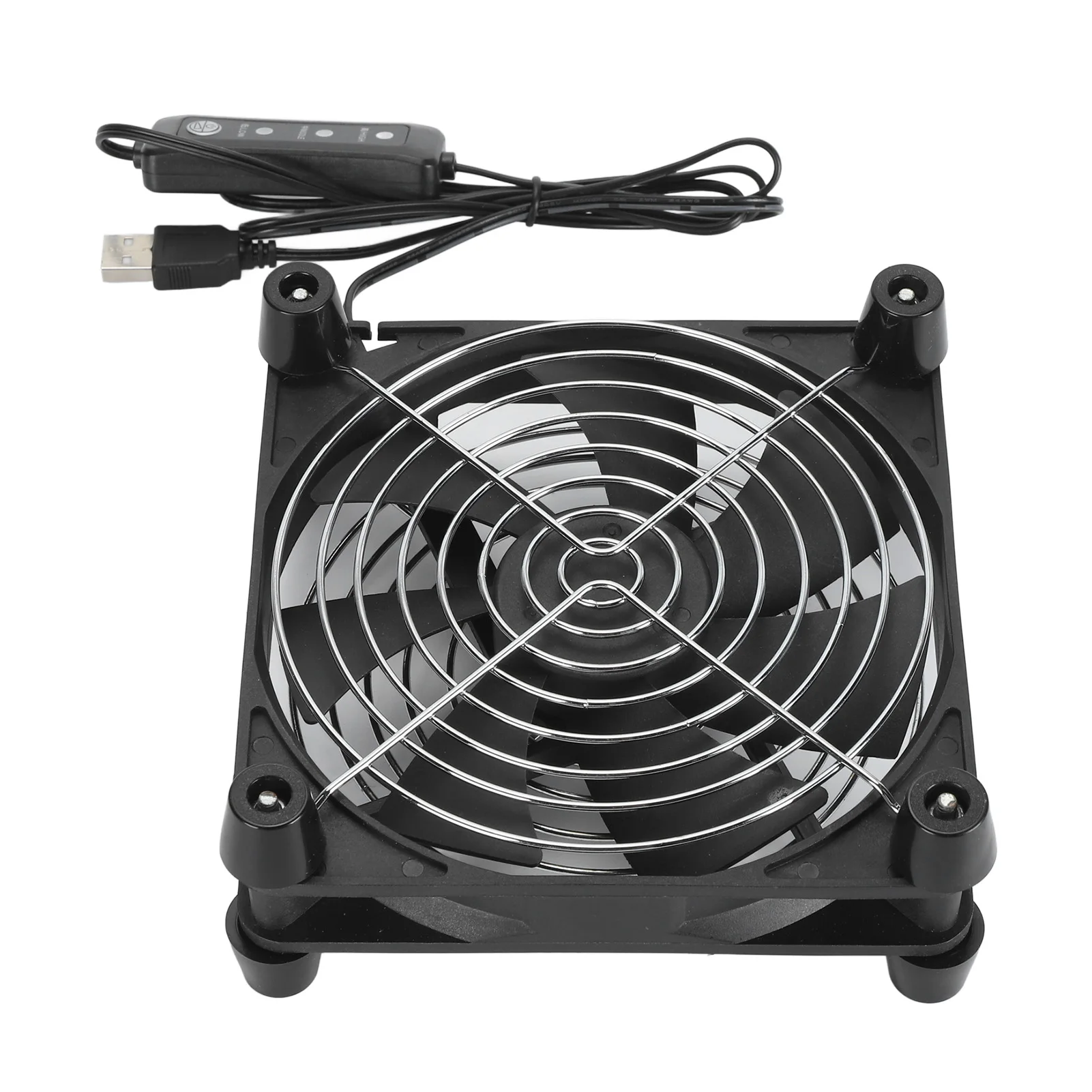
The API listing describes a 140 mm, 5 V USB-powered fan with three speed settings and a claimed maximum speed of 2,800 RPM. The official image visibly supports the general fan, grille, USB cable, and inline-controller form, but the numerical specifications still need confirmation on the current listing and selected variant.
Start with the device's intended airflow
Before adding a fan, identify where the device takes in cool air and where it exhausts warm air. A fan placed against the wrong opening can oppose the internal fan, recirculate hot air, or block a passive vent. Check the equipment manual and look for airflow arrows, intake filters, or exhaust grilles.
External airflow is not a substitute for repairing a failed internal fan, clearing blocked vents, correcting unsafe placement, or following a manufacturer's thermal guidance. If a device shuts down, smells unusual, or becomes too hot to touch, disconnect it and investigate the cause rather than relying on an accessory fan.
Measure the available space
Confirm the fan's outside dimensions, thickness, grille protrusion, cable exit, and controller position. A nominal 140 mm size may describe the frame, not the full space needed for the guard, plug, and cable bend. Leave clearance on both sides so air can enter and leave freely.
Decide how the fan will remain stable. A loose fan can vibrate, slide, transmit noise into furniture, or contact other cables. Verify whether the package includes feet, screws, pads, brackets, or no mounting hardware at all.
Check USB power compatibility
The listing claims 5 V USB power, but voltage alone is incomplete. Check the required current, connector type, cable length, and whether the intended USB port or adapter can supply the load continuously. Do not assume that every TV, router, receiver, power bank, or computer port is intended to power an external fan for long periods.
A dedicated, correctly rated USB power adapter can avoid loading the device being cooled, but it adds another cable and power source. Include that requirement when comparing the total setup cost.
Compare control, airflow, and noise
Verify what the three controller positions actually do, whether there is a true off setting, and whether the fan remembers its setting after power loss. Ask for airflow and noise information at each speed rather than treating the maximum RPM claim as a complete performance measure.
Airflow direction should be marked on the frame or confirmed in the instructions. Noise can come from the motor, moving air, grille turbulence, vibration, or resonance with the surface underneath. A lower setting may be more useful than maximum speed in a bedroom, office, or media cabinet.
Protect the fan and the equipment
Keep fingers, loose fabric, paper, pet hair, dust, and small cables away from the blades and air path. A grille reduces contact risk but does not make poor placement safe. Keep the fan away from moisture and do not use it where condensation, cooking grease, or liquid splashes are likely.
Disconnect power before cleaning or repositioning the fan. Follow the seller's cleaning instructions and avoid pushing debris deeper into the equipment being cooled. Periodically check the cable, connector, controller, grille, and mounting arrangement for heat, damage, or loosening.
Comparison checklist
- Frame width, height, thickness, guard clearance, and available mounting space.
- USB voltage, required current, connector, cable length, and power-source suitability.
- Airflow direction, airflow rating, speed settings, off control, and restart behavior.
- Noise information at each speed and a stable method that limits vibration.
- Included quantity, grille coverage, mounting hardware, instructions, and warranty.
- Current seller history, selected variant, delivery estimate, shipping, taxes, and return terms.
Editorial note: We have not physically tested this item. The product identity, official API image, affiliate redirect, and price snapshot were checked on September 4, 2026. Verify the live listing and selected variant before buying.